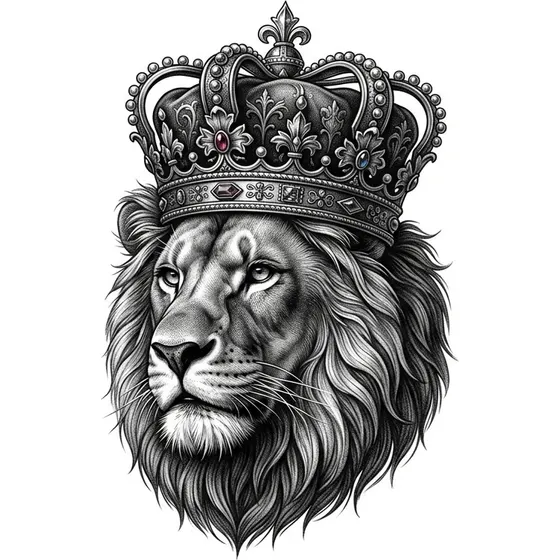
“A lion portrait with an ornate crown in black and grey realism”
Generate this
Ideas
Tattoo ideas for men on generate.tattoo usually start larger: black-and-grey forearms, chest panels, half sleeves, and symbols that still read from across a room. Scale, contrast, and flow matter more than decoration.
“A lion portrait with an ornate crown in black and grey realism”
Generate this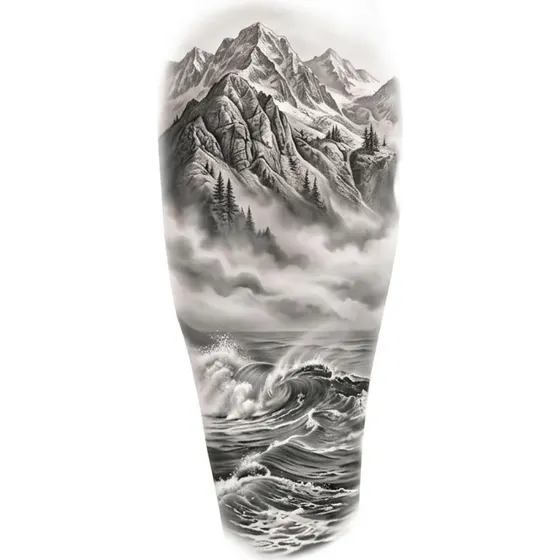
“A full forearm piece of mountains fading into mist above waves”
Generate this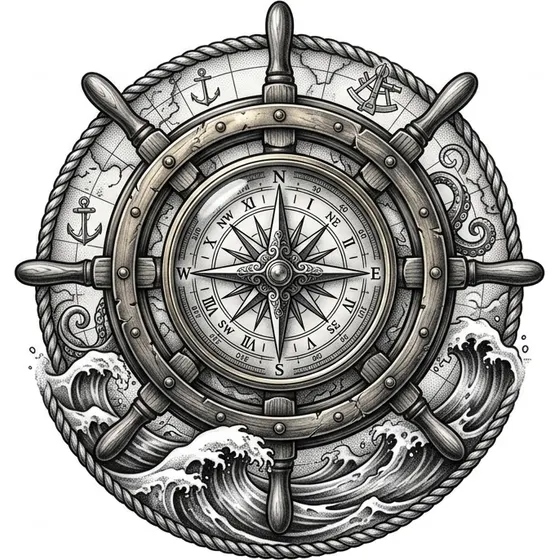
“A compass and ship's wheel with rolling ocean beneath”
Generate this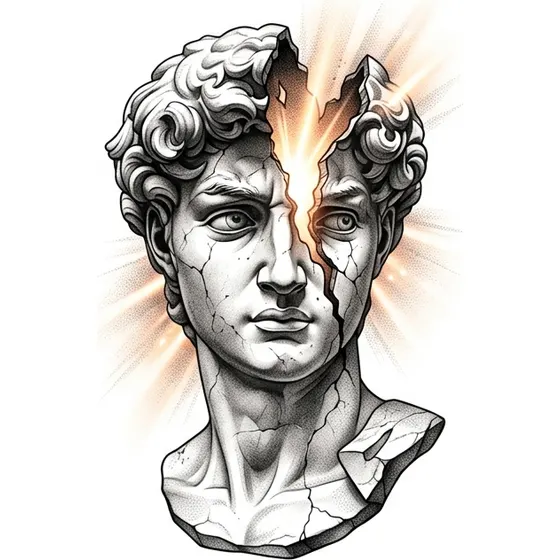
“A Greek statue bust cracked open with light coming through”
Generate this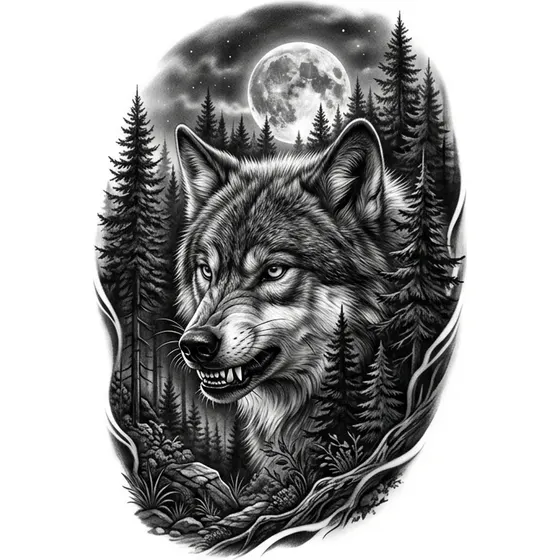
“A wolf's head with a forest and moon behind, half sleeve”
Generate this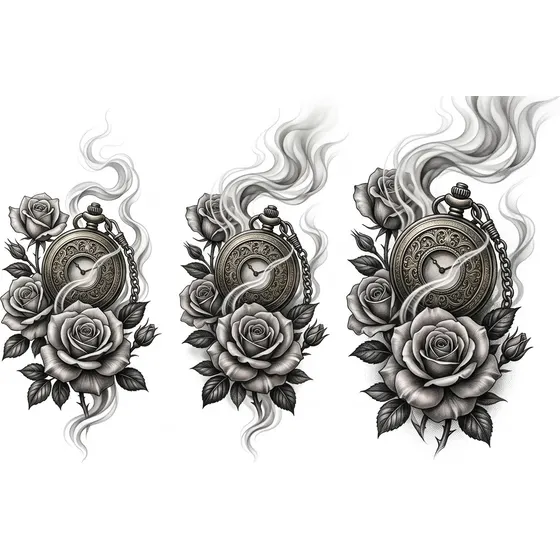
“A pocket watch, roses and drifting smoke for an inner forearm”
Generate thisThis is an ideas page keyed to common search intent—not a claim that any style is “for men only.” The cluster leans into black-and-grey realism at mid-to-large scale (realism tattoos); forearm and sleeve narratives—landscapes, wildlife, nautical sets (sleeve tattoo ideas); chest and shoulder anchors—portraits, busts, bold emblems; high-contrast symbols that survive thicker line decisions; and optional traditional / neo-trad / Japanese finishes when you want color or classic outlines.
If you want tiny wrist icons instead, jump to small tattoo ideas or fine line tattoos—same tool, different size brief.
Strong fit: you already know the placement (forearm, outer arm, chest, calf) and need subject options; you want a piece that can grow into a sleeve later—leave “flow edges” in the prompt; you prefer readable contrast over delicate filigree; you are comparing realism vs illustrative finishes before booking.
Reframe the brief when… the idea is a micro symbol—say so explicitly (“tiny,” “3 cm”) or it will render like a panel; you need cover-up density—ask for solid shapes and talk to your artist; cultural or memorial subjects need artist collaboration beyond a generator pass.
Inner / outer forearm — vertical landscapes, watches, compass stacks. Cue “full forearm piece,” “vertical,” “fades at edges.”
Half / full sleeve — wildlife + environment, Japanese flow, geometric armor. Cue “half sleeve,” “wraps the arm,” “leaves room to extend.”
Chest panel — portraits, busts, centered emblems. Cue “chest piece,” “mirrored,” “high contrast.”
Shoulder / upper arm — animals, traditional badges. Cue “upper arm,” “rounded composition.”
Calf / shin — tall motifs, vertical statues, daggers. Cue “calf panel,” “elongated.”
Hand / fingers — only bold simplified marks; prefer thicker line. See hand tattoo ideas.
For sleeve planning, generate a hero motif first, then a second prompt that adds background flow (mist, waves, smoke, wind bars) so pieces can connect later.
Large black-and-grey work ages differently than fine line: contrast is your friend—mid-grey mush looks softer sooner, so keep some solid dark anchors; plan for muscle and movement—chests and outer arms change shape; leave stitch room if a sleeve is coming—say “open edges” or “fade into negative space”; and don’t micro-detail the whole panel—pick a focal point (face, compass rose, bust) and simplify the rest.
These are art-direction notes for generating references. Needle depth, session length, and aftercare stay with your studio.
Open generate.tattoo. Set style to Realism for portraits and wildlife, Blackwork for graphic punch, Japanese or Traditional for classic flow and color. Write subject + scale + placement + contrast cues (“black and grey,” “half sleeve,” “high contrast focal point”). Generate free previews; change one element per run.
Use Pro body preview when comparing chest vs arm scale. Download the clearest artist reference; see pricing for resolution tiers. Browse finished looks in the gallery. Designing with a partner? Pair a large panel here with a related motif on tattoo ideas for women if you want complementary energy.
These are starting points. Change the subject, the placement or the size — the generator will follow whatever you write.
Start from scratch